

An SEO communication checklist is a shared brief for turning an SEO recommendation into work another person can understand, implement and verify. Its main job is not to make a ticket longer. It is to remove the assumptions that appear when SEO, development, content, design and decision-makers use different language for the same change.
The strongest checklist separates the problem from the proposed solution, identifies the affected scope, assigns an owner and defines what will count as complete. Technical details still matter, but the level of detail should match the risk of the request. A title correction on one page does not need the same handoff as a template change that can affect thousands of URLs.
- A communication checklist should define the problem, scope, expected outcome, owner, priority and verification method before implementation starts.
- Acceptance criteria should describe observable output rather than vague goals such as “improve SEO” or “fix indexing.”
- Different teams need different levels of detail. Developers need testable technical output, while writers and designers need clear content, hierarchy and presentation requirements.
- Crawling and indexing should not be treated as the same issue. A robots.txt block controls crawling, while a crawlable
noindexdirective is the usual way to tell Google not to index a page. - Verification belongs in the original request. A change is not complete simply because it has been deployed.

What an SEO Communication Checklist Should Accomplish
SEO work often crosses several teams. A recommendation may begin with an SEO specialist, require a developer to change a template, depend on a writer to revise copy and need a product or marketing owner to approve timing. The communication problem starts when each person receives only the part that makes sense from the SEO side.
A useful checklist creates one reference point for the whole request. It should explain what is wrong or changing, where the issue appears, what outcome is required and how the result will be checked. That gives the implementer enough context to make a sensible decision when the request meets a technical or editorial constraint that was not visible during the original audit.
This is different from writing a long specification for every task. The amount of detail should follow the risk. A small metadata edit can be brief. A redirect rule, JavaScript rendering change, migration or indexability change needs clearer scope, exceptions and acceptance criteria because a mistake can affect many URLs.
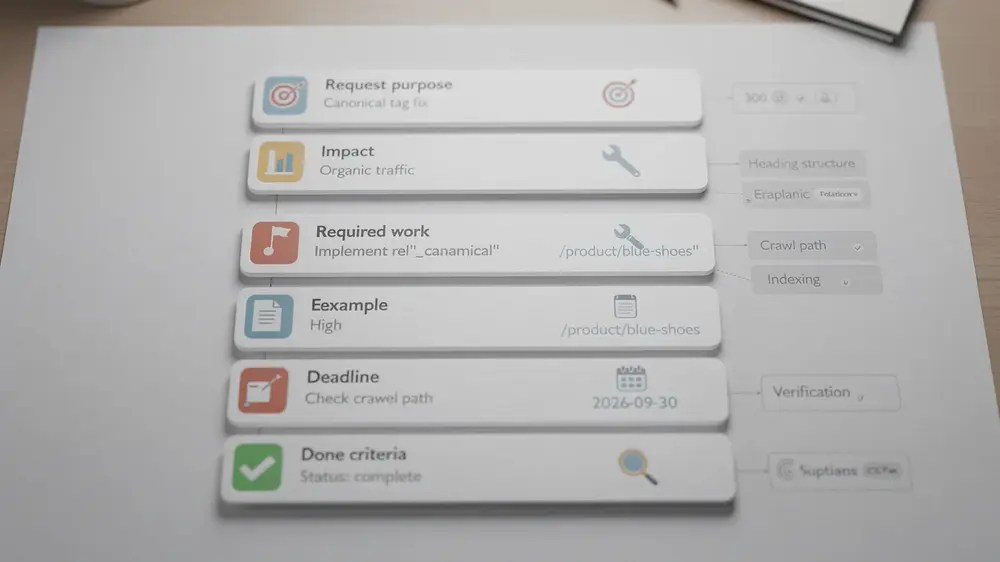
Eight Fields for a Clear SEO Request
There is no Google-required number of fields for an SEO ticket. Eight is a practical format because it covers the information that is most often lost between diagnosis, implementation and review.
- Problem or purpose. State what has been observed and why the request exists. Keep the diagnosis separate from an assumed solution where the cause is not yet confirmed.
- Scope. List the affected URL, template, component, language, market or environment. Include representative examples and known exceptions when the change applies at scale.
- Current behaviour. Record what the page or system does before the change, such as the current status code, rendered link, robots directive or content output.
- Expected outcome. Describe the result that should exist after implementation. This should be specific enough for another person to test.
- Owner and dependencies. Name who implements the change and which teams or systems must be involved before it can be approved.
- Priority and timing. Explain why the work has its assigned priority. A label such as “critical” is more useful when it is tied to affected pages, user impact, release risk or a confirmed crawling or indexing problem.
- Verification method. Name the check that will confirm the output, such as a manual HTML review, a site crawl, URL Inspection, a rendered-page comparison or a structured data test.
- Done criteria. Define the pass or fail conditions for sign-off. Completion should describe the required output, not simply say that the ticket was deployed.
The fields can be shortened for simple tasks or expanded for complex releases. What matters is that the recipient does not have to reconstruct the intended outcome from a keyword, screenshot or audit warning alone.
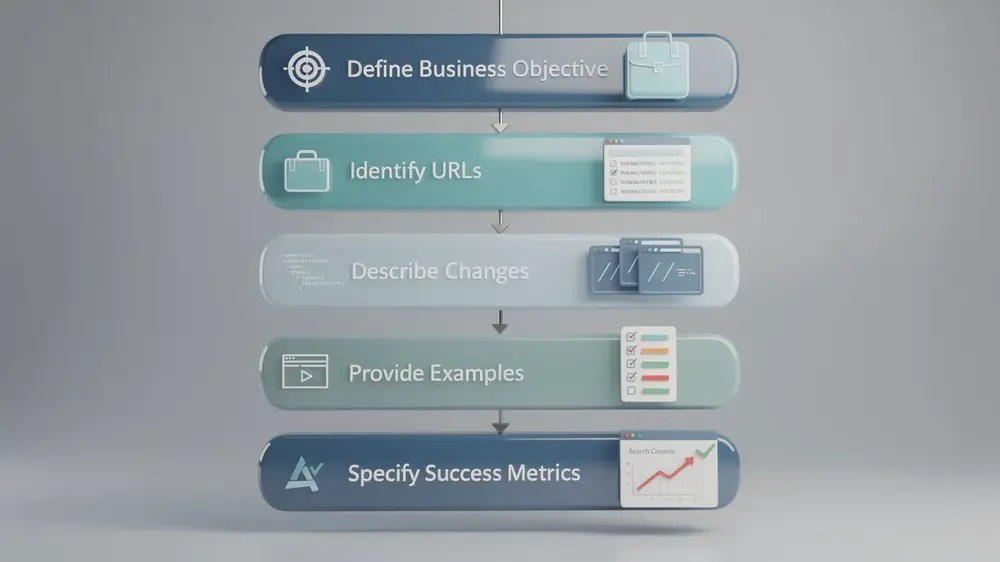
Match the Handoff to the Team Receiving It
A cross-functional checklist should not give every stakeholder the same instructions. It should keep one shared objective while translating the work into the information each team needs.
- Developers need the affected scope, current technical output, required technical output, edge cases and testable acceptance criteria. The existing SEO handoff checklist for developers is the better destination when a request needs detailed implementation requirements.
- Writers and editors need the audience, search intent, topic scope, evidence requirements, terminology, internal-link context and approval criteria. The SEO handoff checklist for writers covers that editorial handoff in more depth.
- Designers need the content hierarchy, responsive states, interaction requirements and any elements that must remain available in the rendered page. A request should distinguish a search requirement from a visual preference.
- Decision-makers usually need the business context, likely risk, dependencies, timing and the definition of successful completion rather than every technical implementation detail.
This separation helps the communication page remain useful without duplicating the specialist checklists. The shared brief explains how teams stay aligned; the role-specific handoff explains how one team performs its part.

Communication Failures That Create SEO Risk
Vague problem statements. A request such as “make this page SEO-friendly” does not identify the current problem or the output that should change. The recipient has to guess whether the issue concerns content, metadata, internal links, rendering, canonicalisation or something else.
Priority without evidence. If every ticket is marked urgent, the priority label stops helping. Explain the affected scope and the consequence of leaving the issue unresolved. A production template carrying a confirmed noindex directive deserves different treatment from a minor wording preference.
Mixing crawling with indexing. A robots.txt rule can stop Googlebot from crawling a URL, but it is not a reliable instruction for keeping that URL out of search results. Google states that a blocked URL can still appear if it is discovered elsewhere. To prevent indexing with noindex, Google must be allowed to crawl the page and read the directive. This distinction should be explicit in any request involving robots controls. See Google’s guidance on using noindex and MOCOBIN’s robots.txt best practices.
Missing rendering context. Google can process JavaScript, but important content and links still need to be available in a form Google can render and understand. Standard anchor elements with valid href attributes are the safest format for crawlable links, and blocking JavaScript needed for page rendering can prevent Google from seeing the rendered output. Google’s JavaScript SEO guidance explains the crawl, render and index sequence.
No named verification step. Deployment is an implementation event, not proof that the requested search behaviour exists in production. The original ticket should identify who checks the result, which URLs are tested and what happens if the output differs from the acceptance criteria.

A Worked Example: An Indexability Request
Consider a hypothetical category template that is intended to appear in Google Search, but several representative URLs are not indexed. The first mistake would be to open a development ticket that simply says “fix indexing.” Indexing is an outcome, and several different causes can lead to the same symptom.
A clearer request could be structured like this:
- Problem: Selected category URLs intended for search are shown as not indexed in Search Console.
- Scope: Category template, with three representative production URLs and any known filtered or paginated variants listed separately.
- Current behaviour: Record the HTTP response, robots meta or
X-Robots-Tag, canonical target, internal links and XML sitemap status for the examples. - Expected outcome: The approved base category URLs should return the intended status, remain crawlable, contain no unintended
noindexdirective and use the agreed canonical and internal-link rules. - Owner: Assign the technical owner for template changes and the SEO reviewer for validation.
- Verification: Recheck the rendered output, crawl representative URLs and use URL Inspection where a URL-level Google view is required.
- Done criteria: The technical requirements pass on the agreed sample. Do not use “Google indexed the page immediately” as the acceptance criterion because meeting technical requirements does not guarantee or control when Google will index a URL.
If the diagnosis instead shows that the page is intentionally non-indexable, the correct action changes. The checklist should make that decision visible before someone removes a valid control simply because a report lists the URL as not indexed.
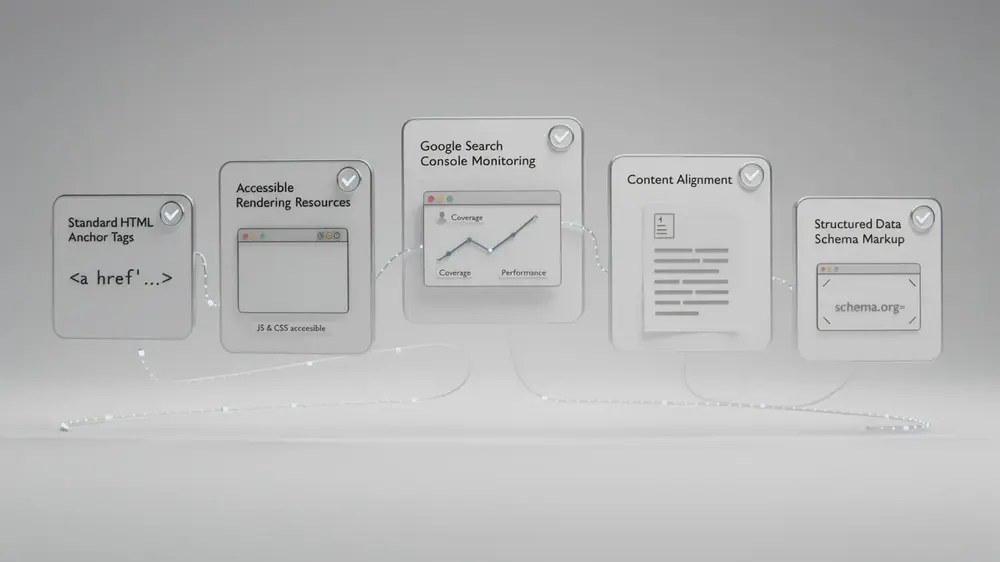
Verify the Output After Release
Post-release checks should match the original request. A crawler is useful for repeated technical patterns across many URLs, while Search Console is useful for Google’s recorded crawling and indexing information. Neither tool replaces direct inspection of the page that was changed.
- Check the production output first. Confirm the status code, canonical, robots directives, internal links and rendered content that were included in the acceptance criteria.
- Use URL Inspection for individual URLs. This is useful when you need Google’s URL-level view of crawlability, indexing status or rendered output.
- Use the Page indexing report for site-level indexing patterns. Google describes this as the report for seeing which pages it can find and index and for reviewing indexing problems. The older “Coverage report” wording should not be used as the current report name. MOCOBIN’s Google Search Console guide can provide broader tool context.
- Use Crawl Stats for crawling trends when appropriate. It reports Google’s crawling history and is aimed at more advanced diagnosis, rather than being a required check for every small content change.
- Validate structured data only where it is relevant. Structured data can make a page eligible for supported search features, but correct markup does not guarantee a rich result and a structured data issue does not automatically change normal web-search rankings. Google’s structured data guidelines set out those limits.
- Record the result. If production behaves differently from staging or the original acceptance criteria, reopen the task with the observed output rather than starting a separate vague request.
The communication checklist has done its job when another team can understand the requirement, implement the intended output and verify it without guessing what the SEO request meant. For each new ticket, the most useful final question is simple: could someone who did not write this request tell what must change and how they will know it is correct?


