

Indexed, though blocked by robots.txt means Google has a URL in its index even though the site’s robots.txt file prevents Googlebot from crawling that URL. It is not evidence that Google ignored robots.txt. The block controls crawling, while indexing can still happen when Google already knows the URL or discovers it from links and other signals.
The correct response depends on what you wanted to happen. A page that should rank needs to be crawlable. A public page that should stay out of Google Search needs an index-control method that Google can actually read. Private content needs access control rather than an SEO directive.

Start With the Outcome You Actually Want
This Search Console warning is easier to diagnose when you decide the intended outcome before editing robots.txt. The same status can describe a mistake, an incomplete removal setup, or an intentional crawl restriction.
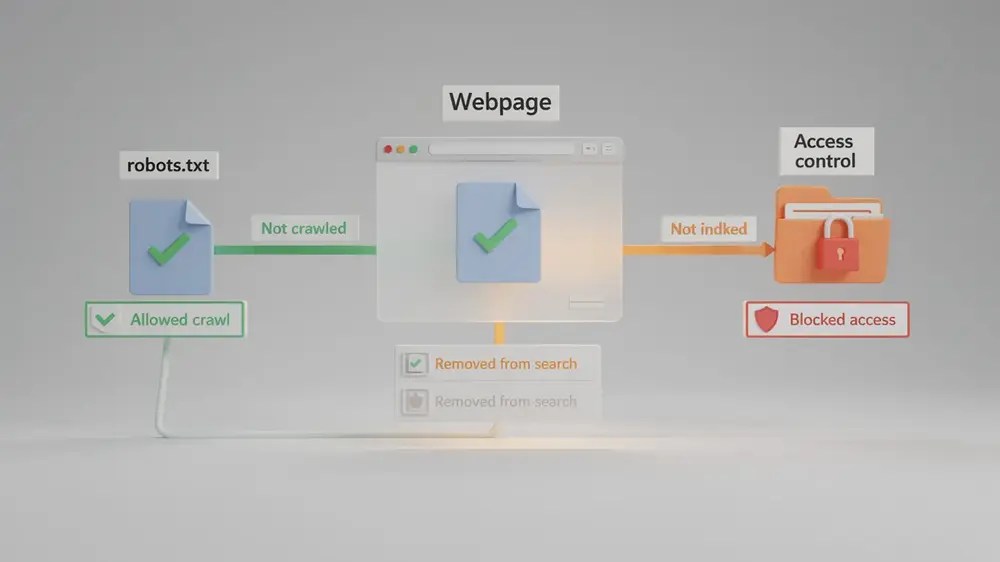
| Desired outcome | Crawl access | Indexing control | Practical response |
|---|---|---|---|
| The page should appear in Google Search | Allow Googlebot to crawl it | Keep it indexable | Remove the unintended robots.txt block and verify the live URL |
| The page may remain public but should not appear in Search | Allow Googlebot to crawl it | Use noindex |
Remove the crawl block so Google can see and process the noindex directive |
| The page contains private or confidential content | Do not rely on crawler directives for protection | Not the primary control | Restrict access with authentication, password protection, or another appropriate access-control method |
| You only want to reduce crawling of a low-value path | A robots.txt block may be intentional | No guarantee that the URL stays out of Search | Keep the block only if occasional URL-level indexing is an acceptable trade-off |
That final case is the awkward one. Robots.txt can be useful for managing crawler access, but Google explicitly says it is not a mechanism for keeping a web page out of Search. If exclusion from Search is the requirement, crawl blocking alone does not meet it.
What This Search Console Warning Actually Confirms
Google’s current Page indexing documentation describes this status as a warning: the page is indexed even though robots.txt blocks Google from requesting and crawling it. Google may still know enough about the URL from links to include the address in Search, and any snippet may be limited because Google cannot fetch the current page content.
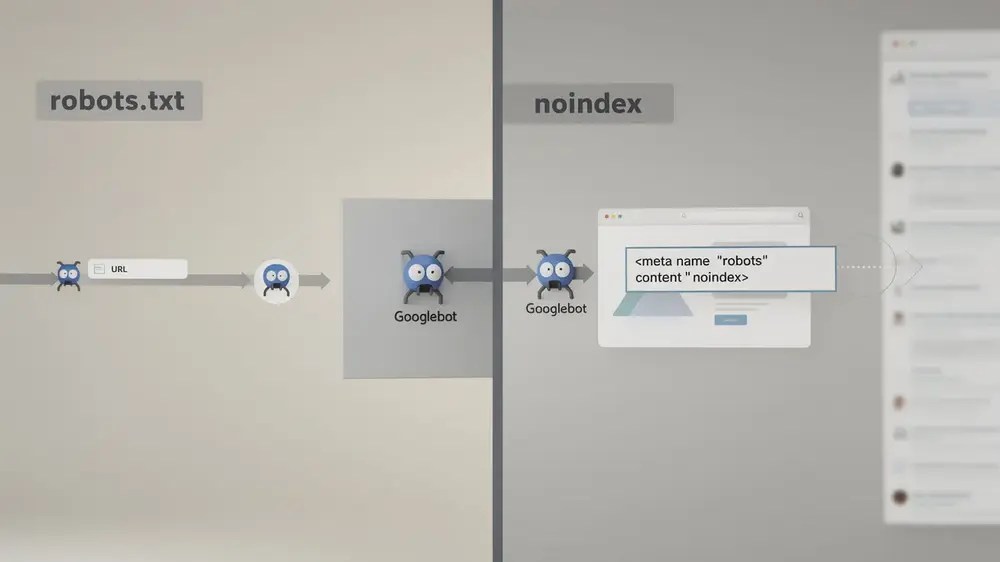
The distinction is the whole issue:
- Robots.txt controls crawling. It tells compliant crawlers which URLs or paths they should not fetch.
- Noindex controls search inclusion. Google must be able to crawl the page or receive the relevant HTTP response before it can see and process a noindex rule.
- Authentication controls access. It determines whether an unauthorised visitor or crawler can reach the protected content at all.
A robots.txt block therefore does not erase a URL from Google’s systems. It can also prevent Google from seeing newer page-level directives. This is why combining a crawl block with a newly added noindex tag does not solve the warning: the noindex instruction is sitting behind the door you told Googlebot not to open.
For the broader distinction between the two directives, MOCOBIN’s guide to noindex versus disallow covers their general use. This page stays focused on the Search Console status and the action it requires.

The URL may have been known before the block was added, or Google may discover it through links elsewhere on the web. Either way, adding Disallow does not function as a removal instruction. The robots rule can be working exactly as written while the URL remains indexed.
If the Page Should Be Indexed, Remove the Crawl Block First
If the affected page is a product page, service page, article, category or another URL you expect to appear in Search, the robots.txt block is working against that goal. Google cannot keep fetching the page’s current content while the rule remains in place.

- Inspect the affected URL in the Google Search Console URL Inspection tool and confirm that crawling is blocked by robots.txt.
- Open the robots.txt file that applies to that exact host and protocol, then identify the rule matching the URL.
- Remove or narrow the rule if the block is unintended.
- Run a live URL test after the change. The live result can confirm whether Google can access the current URL, although it does not guarantee indexing.
- For an important URL, request indexing after the technical fix is live. For a large set of URLs, rely on normal recrawling and an accurate sitemap rather than submitting URLs one by one.
Google’s current robots.txt report also lets site owners review the version Google fetched, see parsing warnings or errors, and request a recrawl of the robots.txt file after an important change. Google notes that this request is usually unnecessary because robots.txt files are fetched regularly, but it can be useful after unblocking important URLs.
Do not turn Request indexing into the first step. Google states that repeated recrawl requests for the same URL do not make crawling happen faster.
If the Page Should Stay Out of Search, Google Must Be Able to Read Noindex
For a public page that users may access directly but that should not appear in Google Search, the usual control is noindex, delivered through a robots meta tag or an X-Robots-Tag HTTP response header.

Google’s noindex documentation is explicit about the dependency: the page must not be blocked by robots.txt, because Googlebot needs access before it can see the directive. If robots.txt prevents the crawl, Search Console can continue to show the URL as indexed even though the HTML contains a noindex tag that Google cannot retrieve.
The durable setup is therefore:
- Remove the robots.txt rule that prevents Googlebot from fetching the page.
- Return a valid
noindexdirective on the page or in the HTTP response. - Allow Google to recrawl and process the directive.
- Check Search Console again after Google’s indexed data updates.
If a page that you control needs to disappear from Google Search quickly, Google’s Removals tool can temporarily hide it while you put a permanent solution in place. Google currently describes a Removals request as temporary, lasting about six months. It does not replace noindex, content removal, or access control.
A common temptation is to let Google process noindex and then block the URL again in robots.txt. That recreates the original visibility problem over time because Google can no longer revisit the page to confirm the directive. If keeping the URL out of Search is the long-term requirement, keep the noindex accessible to Google rather than depending on a crawl block.
Private Content Needs Access Control, Not a Search Directive
Do not use this warning as a reason to expose confidential content simply so Google can read a noindex tag. If the URL contains customer data, internal documents, unreleased material or another form of genuinely private content, the priority is access control.
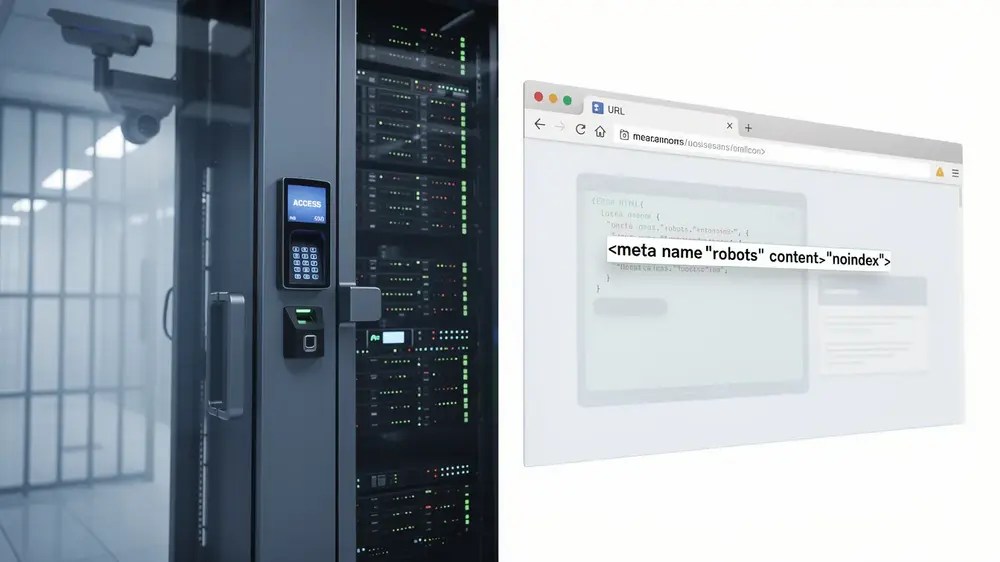
Google’s guidance for removing site information from Search distinguishes password protection from noindex. Password protection limits who can reach the content and also prevents Googlebot from accessing it. Noindex only controls appearance in supported search results; it does not stop a person with the URL from opening a publicly reachable page.
That difference is particularly important for staging sites and account areas. A crawler directive is not a substitute for authentication. If the material should not be public, solve the access problem first and the Search visibility problem second.
Find the Robots.txt Rule Google Is Actually Using
Once the desired outcome is clear, identify the real source of the block. Checking an editor screen is not enough. You need to look at the robots.txt response and the URL state Google sees.
- Check URL Inspection. In the indexed data, the crawl section reports whether crawling was allowed. After a change, the live test can check the current URL’s availability.
- Open the live robots.txt file. Use the robots.txt file for the exact origin that serves the affected URL. HTTP and HTTPS, or different subdomains, can have different robots.txt files.
- Check the Search Console robots.txt report. It shows the robots.txt files Google found, when they were last fetched, and parsing warnings or errors. For a specific URL, Search Console’s current documentation points to URL Inspection to test whether robots.txt blocks access.
- Check the matching user-agent and path. A broad rule aimed at all crawlers can behave differently from a Googlebot-specific rule, and a directory-level pattern can affect far more URLs than the one you first noticed.
The separate robots.txt guide is the better place for syntax and crawl-management details. For this status, the goal is simply to establish which active rule created the mismatch between the URL’s intended search role and its current crawl state.
WordPress: Do Not Blame the Search Engine Visibility Setting for the Wrong Problem
WordPress deserves a specific check because the platform has more than one way to influence search visibility. But those controls should not be treated as interchangeable.
According to the current WordPress Reading Settings documentation, enabling Discourage search engines from indexing this site has generated a noindex,nofollow meta robots directive since WordPress 5.3. Older WordPress versions used robots.txt differently, but that historical behaviour should not be used to diagnose a modern installation.
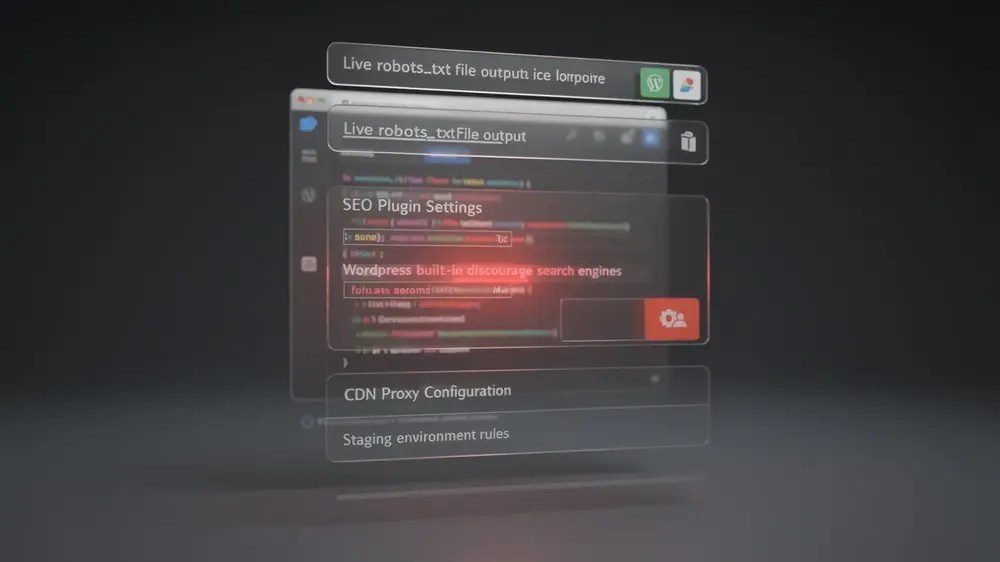
So if Search Console specifically reports Indexed, though blocked by robots.txt, the built-in Search Engine Visibility checkbox is not, by itself, enough to explain the robots.txt block. Check the live /robots.txt response and the infrastructure producing it.
On a WordPress site, that review may include the site’s generated or physical robots.txt file, SEO or security tooling that can alter crawler rules, hosting configuration, and any proxy or CDN layer serving the file. After a staging-to-production move, also confirm that a restrictive production robots.txt file was not left behind.
The useful distinction is simple: inspect what the live site serves, not what a dashboard setting appears to promise.
Verify the Fix in Two Stages
The indexed report and the live test answer different questions. Immediately after a change, Search Console may still show the older indexed state while the live test sees the corrected page.
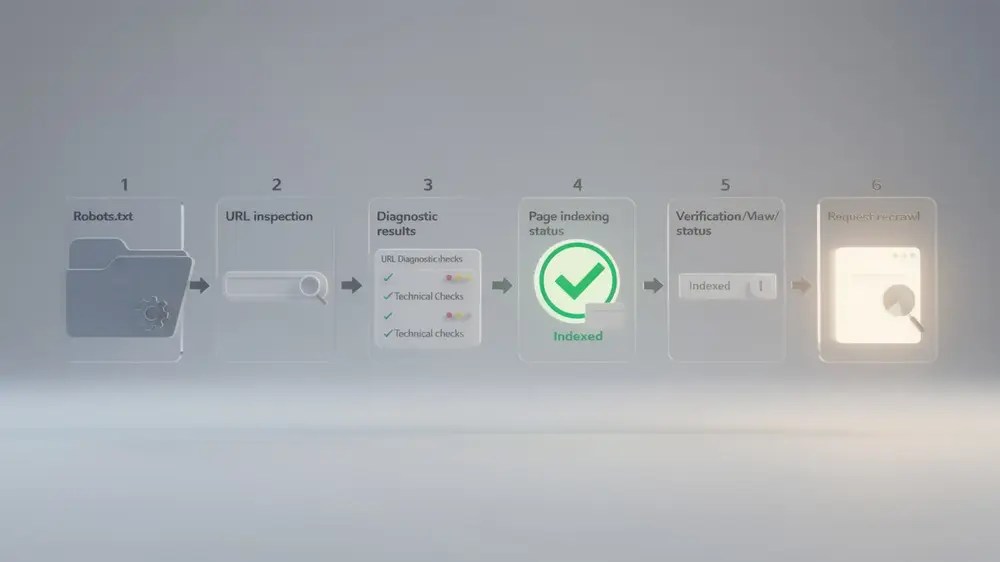
- Verify the current configuration. Confirm the intended robots.txt rule is live. If the page should be crawlable, run a live URL Inspection test and make sure Google can access it.
- Verify Google’s processed result later. Return to the indexed URL data and the Page indexing report after Google has recrawled and reprocessed the URL.
If the page should be indexed, the warning should disappear after Google can crawl the URL and the indexed data catches up. If the page should remain public but not indexed, the target result is different: Google needs to crawl the page, detect noindex and remove it from Search.
That is why this warning is best treated as an intent mismatch rather than a generic robots.txt error. First decide whether the URL should be crawled, indexed, publicly accessible, or private. Once that decision is explicit, the correct control is usually straightforward.


