A robots.txt file is a plain text file placed at the root of a website to tell search engine crawlers which parts of the site they may or may not crawl. It helps manage crawler access, reduce unnecessary crawl activity, and guide bots away from low-value URL paths, but it is not a reliable way to keep private or sensitive pages out of search results.
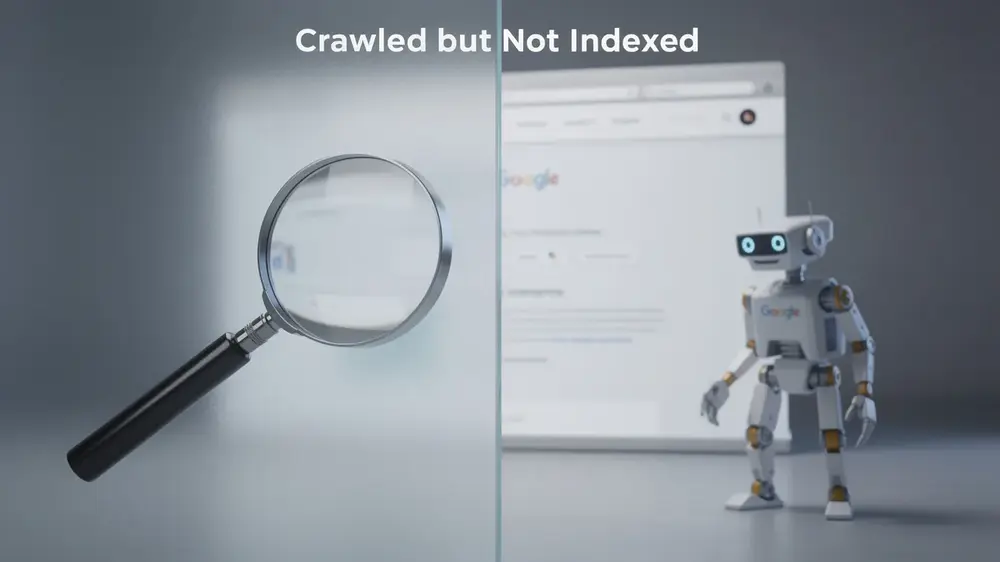
For SEO, the most important point is simple: robots.txt controls crawling, not indexing. A blocked URL may still appear in search results if Google discovers it through external links or other signals. If your goal is to remove a page from search results, robots.txt is usually the wrong tool. In that case, noindex, authentication, or proper access control is safer.
- Robots.txt controls crawler access to URLs, but it does not reliably keep pages out of Google’s index.
- Use robots.txt to manage crawl budget, block low-value crawl paths, and guide crawlers away from duplicate or utility URLs.
- Use noindex, authentication, or password protection when the goal is to prevent a page from appearing in search results or protect sensitive content.
- Never block important CSS, JavaScript, images, or canonical/noindex pages that Google needs to crawl and evaluate.
- Test robots.txt changes before publishing, because one wrong Disallow rule can block important sections of a site.
What Is Robots.txt?
Robots.txt is a crawler instruction file located at the root of a domain. For example, a site’s robots.txt file normally appears at https://example.com/robots.txt. Search engine crawlers check this file before crawling a site to see which URL paths are allowed or disallowed for their user-agent.
The file is part of the Robots Exclusion Protocol. It is useful for controlling crawler behavior, but it is not a security system. A robots.txt rule can ask compliant crawlers not to visit a URL, but it does not hide the URL from people, protect private data, or guarantee that every bot will obey the instruction.
What Robots.txt Can Do
- Guide search engine crawlers away from low-value or duplicate URL paths.
- Reduce crawler activity on internal search results, filtered URLs, or utility paths.
- Point crawlers toward XML sitemap locations.
- Set different crawl rules for different user-agents.
What Robots.txt Cannot Do
- It cannot reliably remove a page from Google’s index.
- It cannot protect private or sensitive content.
- It cannot replace password protection or authentication.
- It cannot guarantee that all bots will follow the rules.
Robots.txt sits within the wider discipline of technical SEO practices, because a single crawl rule can influence how search engines access large parts of a website.

How Robots.txt Works
When a crawler visits a website, it usually requests the robots.txt file first. The crawler then checks whether any rules apply to its user-agent and uses those rules to decide which URLs it should avoid crawling.
For example, if a rule disallows /internal-search/, a compliant crawler should not crawl URLs under that path. However, if another website links to one of those URLs, Google may still know the URL exists. This is why blocked URLs can sometimes appear in search results without a normal snippet.
Crawling vs Indexing
Crawling means a search engine bot visits a URL. Indexing means the search engine stores and makes a page eligible to appear in search results. Robots.txt mainly affects crawling. It does not work the same way as a noindex directive.
This distinction is where many SEO mistakes begin. If you block a page with robots.txt, Google may not be able to crawl the page to see a noindex tag. If your real goal is to remove a page from search, allow the page to be crawled and use noindex, or protect it with authentication if the content is private.
Robots.txt and Crawl Budget
For small websites, crawl budget is rarely a major concern. For large sites with faceted navigation, parameter URLs, internal search pages, archives, or millions of generated URLs, robots.txt can help reduce wasted crawler activity. The goal is not to block everything unnecessary. The goal is to help crawlers spend more time on URLs that actually matter.
Robots.txt Syntax and Examples
A robots.txt file uses simple directives. The most common are User-agent, Disallow, Allow, and Sitemap. The rules look simple, but small mistakes can have large consequences.
Basic Robots.txt Example
User-agent: *
Disallow: /wp-admin/
Allow: /wp-admin/admin-ajax.php
Sitemap: https://example.com/sitemap.xml
In this example, User-agent: * means the rule applies to all crawlers. Disallow: /wp-admin/ asks crawlers not to crawl the WordPress admin path. Allow: /wp-admin/admin-ajax.php makes an exception for a file that some WordPress functionality may need. The sitemap line tells crawlers where to find the XML sitemap.
Common Robots.txt Directives
| Directive | Purpose | Example |
|---|---|---|
| User-agent | Specifies which crawler the rule applies to | User-agent: Googlebot |
| Disallow | Blocks crawling of a path | Disallow: /private-folder/ |
| Allow | Allows crawling of a specific path inside a blocked area | Allow: /wp-admin/admin-ajax.php |
| Sitemap | Points crawlers to the XML sitemap location | Sitemap: https://example.com/sitemap.xml |
Dangerous Robots.txt Rules
The most dangerous rule is this:
User-agent: *
Disallow: /
This asks all compliant crawlers not to crawl the entire site. It can be useful on a staging site, but it is dangerous on a live website. This rule should always be checked before a site goes live after development, redesign, or migration work.

When Should You Use Robots.txt?
Robots.txt is useful when you want to control crawler access to URL paths that do not need to be crawled regularly. It is not the right solution for every indexing or privacy problem.
| Situation | Use Robots.txt? | Better Option If Not |
|---|---|---|
| Block crawl of internal search result pages | Yes, often appropriate | Noindex may also be needed if already indexed |
| Prevent private customer data from appearing online | No | Password protection or authentication |
| Remove an already indexed page from Google | No | Noindex, then allow Google to crawl it |
| Block duplicate filter or parameter URLs | Sometimes | Canonical tags or parameter handling may be better |
| Stop crawlers from wasting resources on low-value paths | Yes | Use carefully with testing |
Good Use Cases for Robots.txt
- Internal search result paths that create many low-value URLs.
- Faceted navigation paths that generate crawl traps.
- Staging or development areas, only when combined with stronger access protection.
- Utility folders that do not need search engine crawling.
- Specific crawler rules when a bot causes server strain.
Poor Use Cases for Robots.txt
- Removing an indexed page from Google.
- Hiding confidential files.
- Blocking pages that need to show a noindex tag.
- Blocking canonical targets that Google needs to evaluate.
- Blocking important scripts, stylesheets, or images required for rendering.

Robots.txt vs Noindex vs Canonical Tags
Robots.txt, noindex, canonical tags, and password protection are often confused because they all influence how search engines handle URLs. In practice, they solve different problems.
| Method | Controls | Use When |
|---|---|---|
| robots.txt | Crawling | You want to stop crawlers from accessing low-value or unnecessary URL paths |
| noindex | Indexing | You want a crawlable page to stay out of search results |
| Canonical tag | Preferred duplicate URL | You want to consolidate duplicate or near-duplicate URL signals |
| Password protection | Access | You need to protect private or sensitive content |
Robots.txt vs Noindex
Use robots.txt when you want to prevent crawling. Use noindex when you want a page removed from search results. If a page is already indexed and you block it in robots.txt, Google may not be able to crawl the page to see the noindex directive. That can slow or prevent removal from search.
Robots.txt vs Canonical Tags
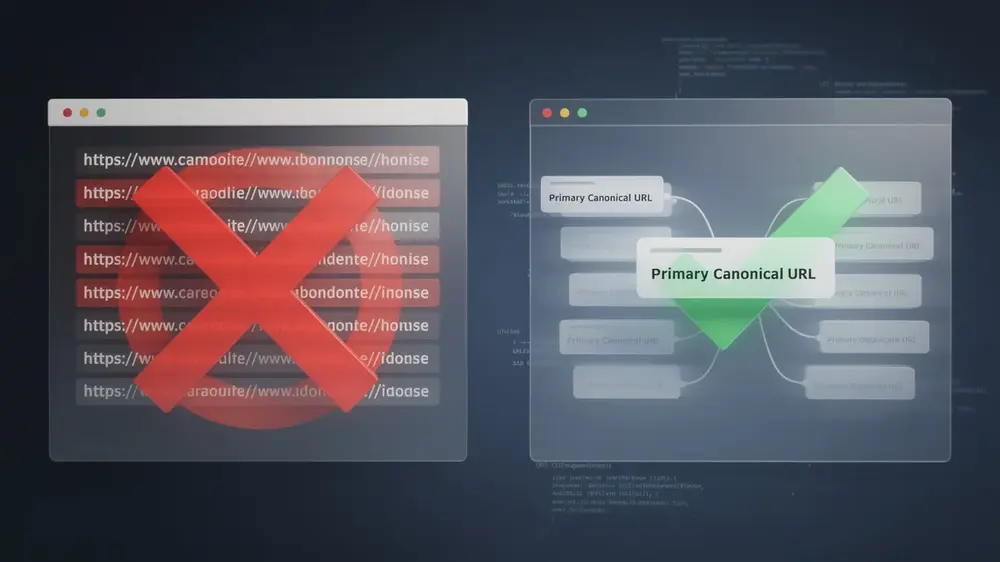
Canonical tags help search engines understand the preferred URL among duplicate or similar pages. But if you block a page in robots.txt, search engines may not be able to crawl the page and process its canonical tag. For duplicate URL management, review whether canonical tags are more appropriate than crawl blocking.
Robots.txt vs Password Protection
Robots.txt is not security. If content is private, use authentication, password protection, server restrictions, or other access controls. A robots.txt disallow rule can reveal the existence of a sensitive path, even if compliant crawlers do not crawl it.
Common Robots.txt Mistakes
Robots.txt mistakes are often small, but the impact can be large. A single misplaced slash or broad rule can block important pages, files, or sections from being crawled.
- Using
Disallow: /on a live site by mistake. - Blocking pages that need to show a noindex tag to Google.
- Blocking CSS or JavaScript needed for rendering.
- Assuming robots.txt protects private content.
- Blocking canonical targets so Google cannot crawl them.
- Forgetting to update robots.txt after staging or migration work.
- Writing rules for the wrong user-agent.
- Using unsupported directives as if every crawler follows them.
Blocking CSS and JavaScript
Google needs to render pages to evaluate layout, mobile usability, and visible content. Blocking important CSS or JavaScript can make a page harder to understand. Before blocking asset folders, check whether those files are needed for rendering important pages.
Blocking Pages That Need Noindex
If you want Google to see a noindex directive, Google must be able to crawl the page. Blocking that same URL in robots.txt can prevent Google from seeing the noindex tag. This is one of the most common misunderstandings in technical SEO audits.
Forgetting Robots.txt After Migration
Staging websites often use strict robots.txt rules to prevent crawling during development. Problems happen when those rules move to the live site unchanged. After any migration, redesign, or domain move, robots.txt should be checked before launch and again after launch.
In technical audits, robots.txt issues often come from good intentions applied too broadly. A team tries to reduce crawler waste, then accidentally blocks URLs or resources that Google needs to evaluate the site properly. I treat robots.txt changes like redirects: small edits should be tested before they touch production. Martha Vicher, MOCOBIN
How to Test and Audit Robots.txt
Robots.txt should be checked before major releases, after CMS changes, after migrations, and whenever crawl or indexing reports show unexpected drops. Testing is especially important because robots.txt changes can affect large site sections at once.
Robots.txt Audit Steps
- Open your robots.txt file at
https://example.com/robots.txt. - Check whether important sections are accidentally blocked.
- Confirm that low-value paths are blocked only when appropriate.
- Use Google Search Console URL Inspection to check crawl access for important URLs.
- Test after migrations, CMS changes, or staging-to-live deployments.
- Monitor crawl stats and indexing reports after changes go live.
What to Check Before Publishing Changes
- Can Googlebot crawl your homepage and key landing pages?
- Are important category, article, product, or service pages blocked?
- Are CSS, JavaScript, and image files required for rendering accessible?
- Are noindex pages blocked by mistake?
- Are canonical targets crawlable?
- Does the sitemap URL listed in robots.txt return a valid sitemap?
AI Crawlers and Robots.txt
Some publishers now use robots.txt to express preferences for AI-related crawlers as well as search crawlers. This should be handled separately from Googlebot rules. Blocking search crawlers can affect search visibility, while blocking AI-related crawlers may affect how content is accessed for other uses. Review each user-agent carefully before adding broad disallow rules.
For broader site maintenance, robots.txt testing should be paired with XML sitemap checks, crawl reports, and URL inspection rather than treated as a standalone task.