

Crawled – currently not indexed means Google has crawled a URL but has not indexed it. Google’s Page indexing report documentation adds an important limit: the page may or may not be indexed later, and there is no need to resubmit the URL for crawling simply because it has this status.
That makes the first task diagnosis, not persuasion. Before rewriting the page or repeatedly using Request Indexing, decide whether the URL deserves a separate search role, then check the evidence Google exposes about the crawl, canonicalisation, page purpose, internal links and rendered content. If the same status affects a whole page type, the useful unit of investigation may be the template or site structure rather than one URL.
For the broader view of exclusions across a property, start with MOCOBIN’s Page Indexing report guide. This page focuses only on the narrower question: what should you check when Google has already crawled an important URL but has not indexed it?

What the Status Confirms, and What It Does Not

The label confirms a sequence: Google knew about the URL, crawled it, and the URL is not indexed in the report. It does not name a single root cause. Google does not define this status as a penalty, nor does the label itself say that thin content, weak internal linking or a canonical problem caused the exclusion.
The distinction is easier to use when crawling and indexing are treated as separate stages. Crawling means Google fetched the URL. Indexing is a later process in which Google analyses what it fetched and determines whether and how the content belongs in the index.
Crawled and Discovered Need Different First Checks

Discovered – currently not indexed means Google knows about a URL but has not crawled it yet. Crawled – currently not indexed means the crawl has already happened. The same generic checklist is therefore a poor starting point for both.
| Status | What Google confirms | Useful first investigation |
|---|---|---|
| Discovered – currently not indexed | Google knows the URL but has not crawled it yet. | Discovery paths, crawlable internal links, sitemap treatment, server conditions and unnecessary URL proliferation. |
| Crawled – currently not indexed | Google crawled the URL but has not indexed it. | URL Inspection evidence, competing or duplicate URLs, canonical signals, page purpose, internal support and the content Google actually received. |
The third column is diagnostic guidance, not an official Google list of causes. It simply starts the investigation at the stage the report has already confirmed.
Treat the Label as a Status, Not a Diagnosis

This is the boundary that prevents most wasted work. A status tells you what happened in Google’s process. A diagnosis explains why a particular URL ended up there.
For example, two similar pages may compete for the same search role, a declared canonical may not match the version Google selected, or a rendered page may be missing important content. Those are testable hypotheses. None of them should be assumed from the label alone.
The label tells you where the investigation begins, not what the answer must be.

First Decide Whether the URL Deserves a Separate Search Role
A non-indexed URL is only a problem when the URL is supposed to contribute something useful and distinct in search. That sounds obvious, but it changes the order of work. There is little value in fixing canonicals, expanding copy or requesting another crawl until the page’s job is clear.
Pages Worth Investigating

Investigation is usually justified for a core service page, important product or category page, useful standalone article, evergreen resource or other page built to answer a distinct search need. A previously indexed page that unexpectedly drops out of the index also deserves attention once deliberate removal, redirection and other obvious explanations have been ruled out.
A practical test is to describe the page’s job without using its target keyword. If a tutorial solves a specific problem, has a clear audience and fits naturally under a relevant hub, there is a reason to find out why it is missing. If its only distinction is a slightly different phrase in the title, the problem may be the content map rather than indexing.
Pages That May Not Need an Indexing Fix

Filter combinations, internal search results, test URLs, parameter variations and thin archive pages may have no useful standalone role in search. The right treatment depends on why the URL exists. Some should remain accessible to users but stay out of search, some may belong in a duplicate cluster, and others may need consolidation, redirection or removal.
The important point is not to turn a Search Console count into a target. The aim is not to make every known URL indexed. It is to keep useful search-facing pages distinct and to manage the rest according to their actual purpose.

Diagnose the URL in This Order
A sequence matters because each check can change what you do next. Start with Google’s own record of the URL, then move from competing versions to page purpose, internal site support, rendering and finally broader patterns.
1. Inspect What Google Knows About the URL
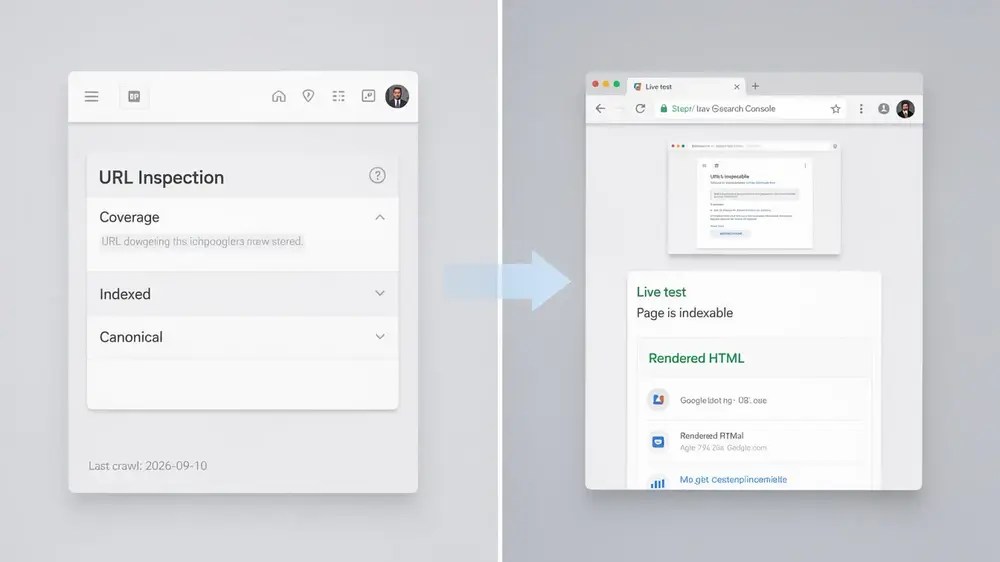
Use the Google Search Console URL Inspection tool to review the URL’s indexed information, including the last crawl, page fetch details and Google-selected canonical when those fields are available. Google’s URL Inspection documentation makes an important distinction between indexed information and the live test.
The indexed view reflects Google’s stored information. The live test fetches the current page. A successful live test does not guarantee indexing, cannot predict Google’s canonical selection and does not test the Crawled – currently not indexed state itself. Use it to check whether a recent technical change is live and whether Google-InspectionTool can currently fetch and render the page, not as proof that the URL will enter the index.
2. Check Whether Another URL Is Competing for the Same Content

Next, compare the page with other URLs that could represent the same content. Check the user-declared canonical, Google’s selected canonical where available, redirects, sitemap URLs and the destinations used by internal links. MOCOBIN’s guide to canonical tags covers the implementation details.
Google describes canonicalisation as selecting a representative URL from duplicate or very similar pages. A declared canonical is a signal, not a command, and Google can choose a different representative when other signals point elsewhere.
Suppose /guide/keyword-research/ and /guide/keyword-research-tips/ answer essentially the same question for the same reader. Adding more copy to both pages before deciding whether both URLs deserve to exist separately is the wrong order of work.
3. Ask Whether the Page Adds a Distinct Reason to Exist

Avoid reducing this check to word count. Instead ask whether the page completes a distinct reader task, contains useful information or analysis beyond what another page already provides, and matches the promise made by its title and H1. Google’s people-first content guidance uses similar self-assessment questions around originality, completeness, usefulness and whether the page adds substantial value compared with other results.
A 700-word page and a 1,500-word page can be equally redundant if both answer the same question in the same way. More words are not the same thing as more value. A narrower page with a clear decision, diagnostic sequence, example or limitation can justify its own URL more convincingly than a longer summary of material already covered elsewhere.
4. Check Whether the Site Supports the Page’s Role

Review how the page sits inside the site. Does a relevant hub, category or related article link to it? Is the anchor descriptive? Is the page effectively isolated even though it is supposed to support an important topic?
Google says it uses links to find new pages and as a signal for relevance, and its link best practices recommend that every page you care about has a link from at least one other page on the site. MOCOBIN’s internal linking strategy guide explains how to build those connections without chasing an arbitrary link count.
Internal links can clarify a page’s place in the site. They cannot create a distinct purpose for a page that otherwise duplicates another URL.
5. Check What Google Can Fetch and Render Now
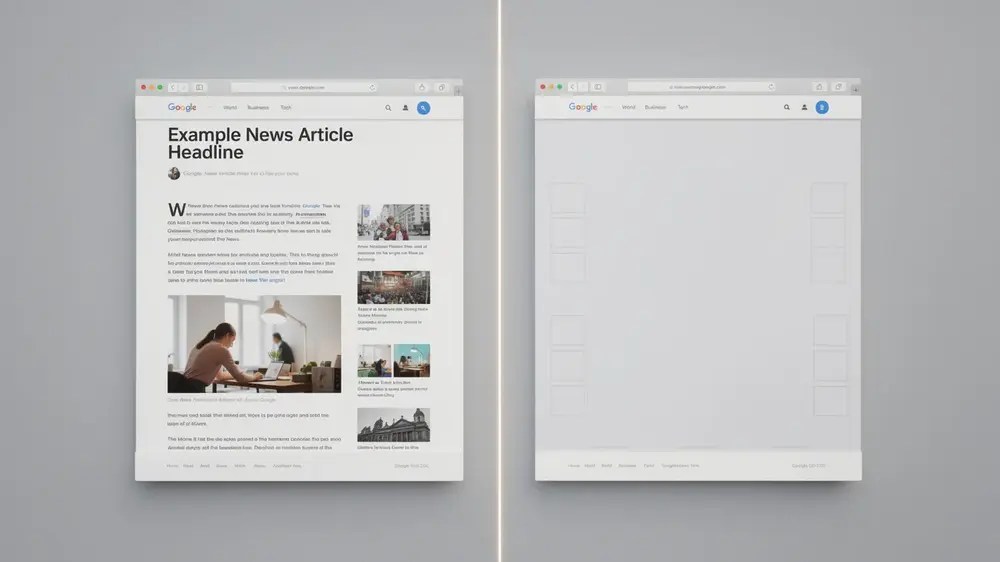
If the browser view looks complete but the page still deserves closer technical inspection, use URL Inspection’s live test to examine the current HTML, screenshot, loaded resources and JavaScript output. Look for missing main content, failed resources, unexpected error states or template behaviour that leaves Google with a materially different page from the one users receive.
Rendering is a check, not a default explanation. The live test cannot reproduce every indexing condition, so confirm a real discrepancy before treating JavaScript or rendering as the cause.
6. Decide Whether You Have One URL Problem or a Pattern
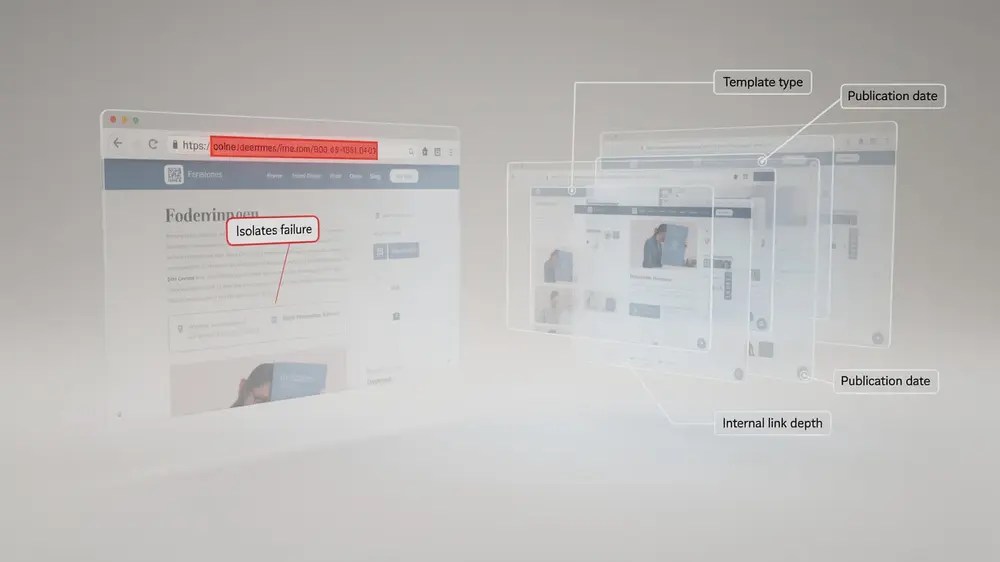
One isolated article calls for a page-level review. Dozens of affected URLs sharing a template, publication period, taxonomy, language section or URL pattern call for a different investigation.
Group affected URLs before making site-wide changes. Useful dimensions include template, content type, publishing date, language, parameter pattern, internal-link structure and whether the pages target overlapping intents. Then inspect representative URLs from the group to see whether the same condition actually repeats. The point is not to hit a fixed sample size. It is to test the suspected pattern before changing every page that happens to share the status.

Match the Fix to What You Found
The status does not have one universal fix. The action should follow the evidence uncovered in the diagnostic sequence.
| Finding | What it suggests | Appropriate response |
|---|---|---|
| The page substantially overlaps another strong URL | A separate search role may not be justified. | Choose the primary page, then consolidate, redirect or redefine the scope as appropriate. |
| Canonical signals point in different directions | Google is receiving inconsistent preferences about the representative URL. | Align the canonical, redirects, internal links and sitemap around the intended URL where that matches the content. |
| The page has a valid role but adds little beyond another page | The standalone value is unclear. | Rewrite around the distinct reader task, missing mechanism, evidence, example, limitation or practical decision. |
| The page has little relevant internal support | Its place in the site is weak or unclear. | Add useful contextual links from the appropriate hub, category or related page. |
| Important content is missing from the current rendered page | Google may not be receiving the page as intended. | Fix the delivery or rendering issue before expanding the editorial copy. |
| The URL has no useful standalone search purpose | Indexing may not be the right goal. | Decide whether to consolidate, redirect, remove, retain for users with an appropriate indexing directive, or otherwise manage the URL according to its function. |
| Many similar URLs share the same unexpected status | The problem may be systemic. | Investigate the shared template, URL generation rules, site architecture or publishing workflow before editing pages individually. |
Three Responses That Do Not Solve the Root Cause
Some actions are useful in the right context but become distractions when they are used instead of diagnosis.
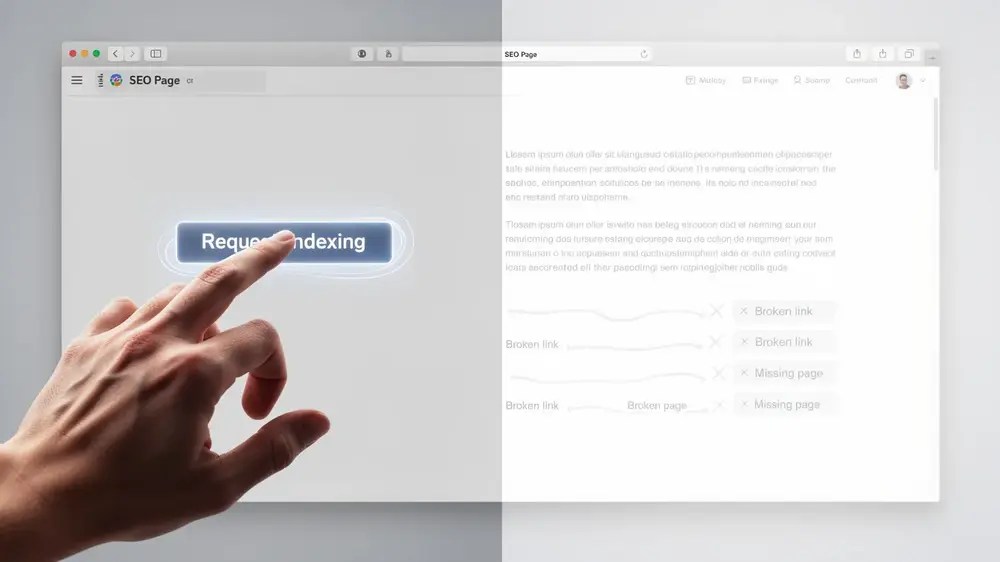
Repeatedly Clicking Request Indexing
For this specific status, Google’s Page indexing documentation says there is no need to resubmit the URL for crawling simply because it is listed as Crawled – currently not indexed. If you later make a meaningful correction, Request Indexing can be used as a recrawl request, but it still does not guarantee inclusion.
Google’s recrawl guidance also says that repeated requests for the same URL do not get it crawled faster. Request Indexing is therefore a follow-up action after a real change, not a substitute for finding the problem.
Resubmitting the Same Sitemap

A sitemap helps Google discover important URLs, but it does not guarantee that submitted URLs will be crawled or indexed. Google’s sitemap documentation states this directly.
With a Crawled – currently not indexed URL, discovery has already happened and Google has already fetched the page. The sitemap is still worth checking for URL consistency, but resubmitting an unchanged sitemap does not resolve content overlap, conflicting canonicals or a page that lacks a distinct role.
Adding More Words Without Changing the Page’s Purpose

There is no useful minimum word count for fixing this status. Expanding a page only helps when the extra material improves the task the page performs. If a 700-word page duplicates another URL, turning it into 1,500 words of similar material leaves the underlying overlap intact.
Before adding copy, ask what the page should contribute that the competing page does not. A clearer mechanism, a better example, a decision framework or an important limitation can change the page’s value. Padding cannot.

Verify the Change Without Expecting Immediate Indexing
A fix is not complete when the edit is published. You need enough baseline information to tell what changed, and enough patience to let Google process the new state.
Record the State Before You Change the Page

For an important URL, record the details that will help you interpret the next crawl:
- URL and page type
- Current Search Console status
- Last crawl date
- User-declared canonical
- Google-selected canonical, when available
- Relevant competing URL or template group
- Change made and the date it went live
- Internal-link or redirect changes
This is a working log, not a universal template. Record what matters for the hypothesis you are testing.
Check the Live Change, Then Allow Google to Reprocess It

- Confirm the change is live. Check the production URL rather than assuming a CMS update has reached the public page.
- Use the live test when it answers a specific question. Verify that the current page is fetchable and that a technical correction appears in the fetched HTML or rendered view.
- Request indexing only when it is useful. After a substantive correction, a request can ask Google to recrawl the URL. Repeating it does not accelerate the process.
- Allow time for recrawling and processing. Google’s recrawl guidance says this can take from a few days to a few weeks, and inclusion is not guaranteed.
- Review the new indexing state and Search performance. A status change tells you what happened to the URL. Impressions and clicks tell you whether the page is actually gaining useful search visibility.
Crawled – currently not indexed is not a queue that every URL must escape. If the page deserves a separate search role, diagnose the evidence in order and correct the issue you can actually support. If the page does not deserve that role, trying to force indexing only preserves a content-architecture problem that should have been resolved first.


