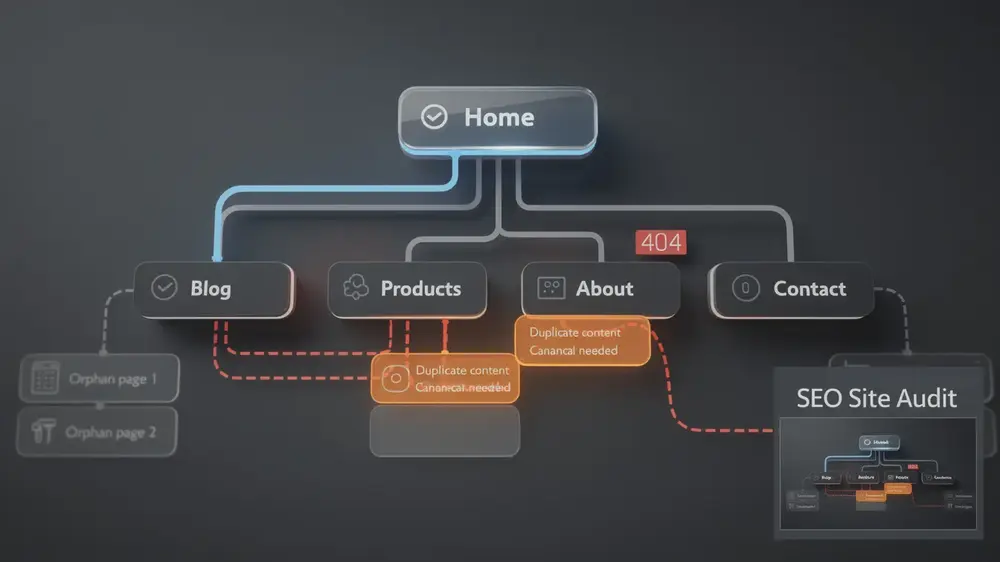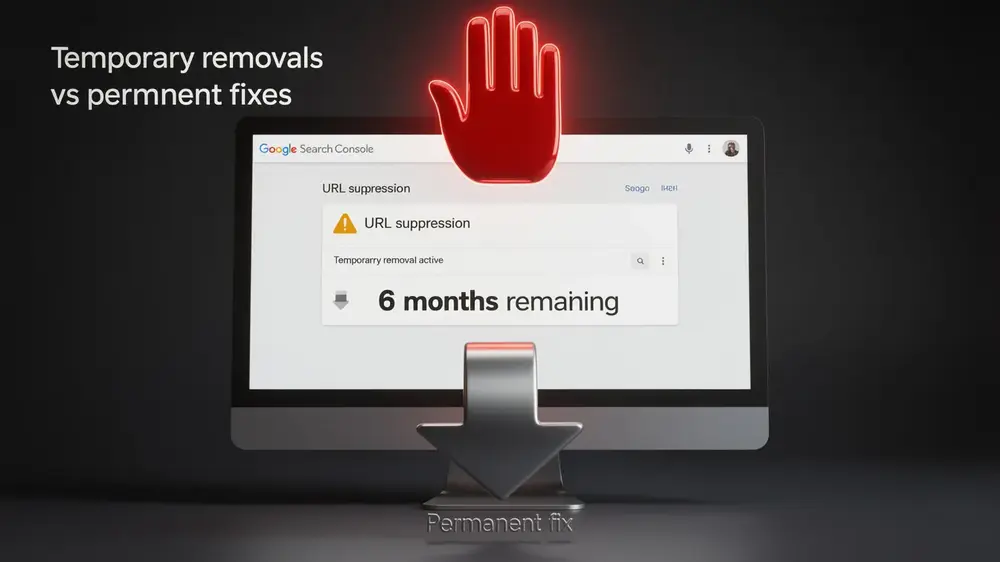
The Google Search Console Crawl Stats report helps site owners, SEO teams, and content operators understand how Googlebot requests URLs, downloads resources, and responds to server conditions over time. Used well, it is not just a technical report. It is a practical way to see whether your website is making it easy for Google to discover, revisit, and process the pages that matter most.
This guide explains how to read the Crawl Stats report, what each metric means, and how to turn crawl data into sensible SEO decisions. The aim is not to chase higher crawl numbers for their own sake, but to understand whether Googlebot is spending its time on useful, indexable, and strategically important content.
- The Crawl Stats report shows how Googlebot interacts with your site through metrics such as total crawl requests, total download size, average response time, and host status.
- Crawling and indexing are separate steps. A URL can be crawled by Google without being indexed or shown in search results.
- High crawl activity is not automatically positive. It can point to duplicate URLs, parameter issues, faceted navigation, redirect chains, or other forms of crawl waste.
- Server reliability matters. Host status warnings, 5xx errors, and consistently slow response times can reduce how efficiently Googlebot accesses important pages.
- The Crawl Stats report is most useful when reviewed alongside the Page indexing report, XML sitemaps, internal links, canonical signals, and server log data.

Understanding the Google Search Console Crawl Stats Report and Its Role in SEO
What Is Crawling and Why Does Google Need to Crawl Your Site
Before a page can appear in Google Search, Google first needs to discover it. Crawling is the process where Googlebot, Google’s automated crawler, visits URLs, reads page content, follows links, and checks whether content has changed. Without crawling, a page cannot move into the next stage of search processing. Without indexing, it cannot become eligible to appear in search results.
Crawling and indexing are closely connected, but they are not the same thing. Crawling is about access and discovery. Indexing is about whether Google chooses to store a page and consider it for search results. This distinction is important when diagnosing SEO problems, because a page can be crawled regularly and still remain excluded from the index if Google sees quality, duplication, canonical, technical, or relevance issues.
The Purpose of the Crawl Stats Report in Google Search Console
The Crawl Stats report works as a crawl health dashboard inside Google Search Console. It gives site owners a structured view of how Googlebot has interacted with a verified property during the recent reporting period. For teams managing international websites, content hubs, ecommerce catalogues, or fast-moving editorial sections, this report can help separate normal crawler behaviour from technical signals that deserve closer attention.
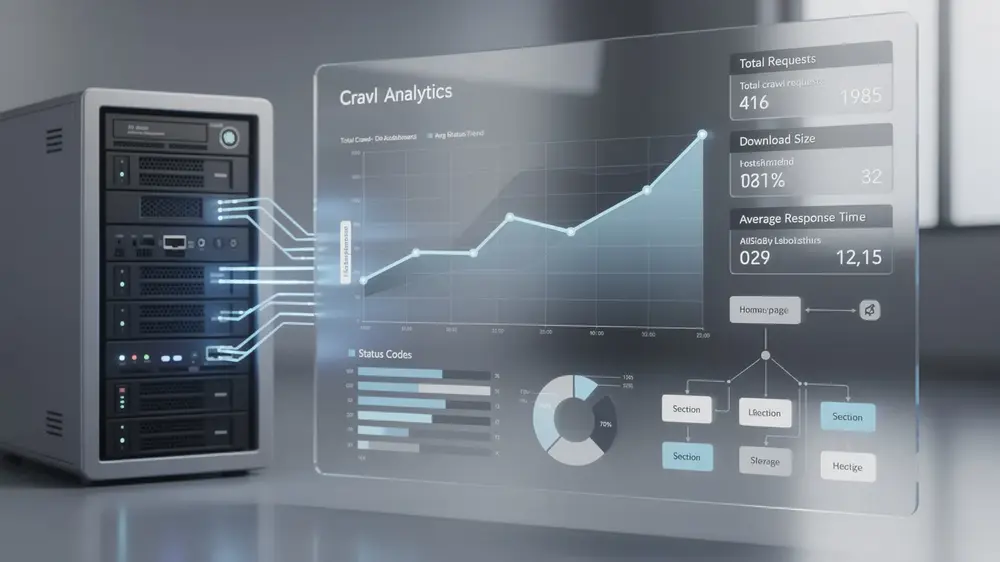
The report surfaces several core metrics: total crawl requests, total download size, average response time, and host status. It also allows you to review crawl activity by response code, file type, Googlebot type, and crawl purpose. Together, these views help answer a practical question: is Googlebot able to reach the right parts of the site efficiently, or is it being slowed down by technical noise?
For deeper diagnosis, compare Crawl Stats data with server log analysis for crawl diagnostics. Google Search Console shows useful aggregated trends, while server logs can reveal the exact URLs, status codes, user agents, and request patterns behind those trends.
How Crawl Stats Impact Indexing Efficiency and SEO Performance
The Connection Between Crawl Efficiency and Indexing Success
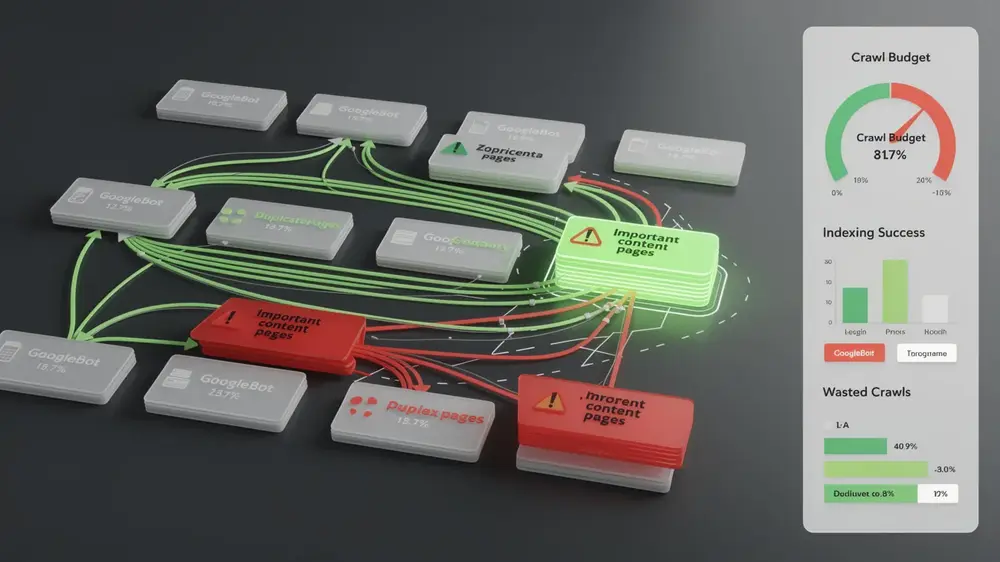
Crawl efficiency is about how productively Googlebot uses its crawl activity on your website. On a small site with a clean structure and a limited number of URLs, crawl budget is rarely the main SEO constraint. On a larger site, especially one with thousands of pages, frequent updates, filters, regional versions, or parameter-based URLs, inefficient crawling can quietly affect how quickly important content is discovered and refreshed.
When Googlebot spends too much time on duplicate URLs, redirect chains, thin pages, expired content, or low-value parameter variations, key pages may be crawled less often than expected. This does not automatically mean rankings will drop overnight. Search performance depends on many factors. However, poor crawl efficiency can delay discovery, slow content refreshes, and make technical SEO issues harder to diagnose.
The Crawl Stats report makes these patterns more visible. Response-code breakdowns can show whether Googlebot is repeatedly reaching 404, 301, 302, or 5xx responses. File-type breakdowns can show whether crawl activity is heavily focused on HTML, images, JavaScript, CSS, or other resources. Googlebot type can also matter, especially when mobile and desktop crawling patterns differ in ways that reflect site rendering, internal linking, or technical configuration.
Why Crawl Budget Matters for Large and Complex Websites
Understanding how crawl budget affects site indexing is especially relevant for large websites, multilingual properties, ecommerce platforms, publishers, and any site where content changes frequently. In these environments, crawl management becomes part of broader content operations. It is not only a developer issue, and it is not only an SEO issue. It affects how quickly new content enters the search ecosystem and how reliably updated pages are revisited.
Sites with filters, sorting options, and category refinements should also review faceted navigation crawl waste. Faceted URLs can create thousands of near-duplicate combinations if they are not managed carefully. In some markets, such as ecommerce-heavy sectors in Europe or Japan, this issue is particularly common because users expect detailed filtering, while search engines still need clear signals about which filtered pages deserve crawl and index attention.
How to Access, Analyse, and Interpret Crawl Stats Metrics
To access the Crawl Stats report, open Google Search Console, select the verified property you want to review, go to Settings in the left sidebar, and click Crawl stats under the Crawling section. The report provides a 90-day view, which is usually long enough to spot meaningful movement without overreacting to one or two unusual days.
- Open Google Search Console and choose the property you want to analyse.
- Go to Settings in the left sidebar.
- Select Crawl stats under the Crawling section.
- Review the main trend lines for crawl requests, download size, average response time, and host status.
- Open the breakdowns by response code, file type, Googlebot type, and crawl purpose to understand where crawl activity is being spent.
Reading and Understanding Each Crawl Stats Metric
Four metrics form the core of the report. Total crawl requests shows the volume of Googlebot activity across the site. Total download size shows how much data Googlebot downloaded. Average response time shows how quickly your server responded to requests. Host status highlights availability issues, including server connectivity, DNS, or robots.txt fetch problems.
Understanding how crawling and indexing work together helps you interpret these numbers in context. No single metric should be treated as a score. A rise in crawl requests might be positive after a successful content launch, but it might also reflect duplicate URLs or technical loops. A drop in crawl activity might be normal after a site clean-up, or it could indicate that Googlebot is struggling to access important sections.
| Metric | What It Shows | When to Investigate | Recommended Action |
|---|---|---|---|
| Total crawl requests | How often Googlebot requests URLs and resources | Sudden unexplained spikes or long-term drops | Check recent releases, internal links, robots.txt changes, redirects, parameters, and server logs |
| Total download size | How much data Googlebot downloads from the site | Large increases without meaningful content or traffic changes | Review page weight, image compression, scripts, CSS, and unnecessary resources |
| Average response time | How quickly the server responds to Googlebot | Sustained increases over several days or weeks | Review hosting, caching, CDN behaviour, database performance, and 5xx errors |
| Host status | Whether Google detected availability problems | Any DNS, robots.txt fetch, or server connectivity warning | Escalate to hosting, DNS, CDN, or infrastructure teams and confirm recovery |
Identifying Patterns and Diagnosing Crawl Behaviour Changes
Single data points rarely tell the full story. Review the full 90-day window and compare unusual movements with known site activity. A crawl spike may coincide with a migration, a new section launch, sitemap update, internal linking change, or a wave of new backlinks. A crawl drop may reflect improved URL hygiene, but it can also signal access problems, blocked resources, or server instability.
Status-code breakdowns deserve close attention. Repeated 404 responses may show that obsolete URLs are still linked internally or included in sitemaps. Frequent 5xx responses point to server-side reliability issues. Redirect patterns can also be revealing. Occasional redirects are normal, but long chains and avoidable hops can waste crawl activity and slow down discovery.
Unexpected crawl spikes often come from URL parameters that waste crawl budget, especially when tracking, sorting, filtering, session, or campaign parameters create many versions of similar pages. The best response depends on context. Some parameter URLs may need canonicalisation, some may need internal link clean-up, and some may need stronger indexability controls. Blocking everything in robots.txt without reviewing the wider signal set can create new problems.
Critical Mistakes to Avoid When Interpreting Crawl Stats Data
Misinterpreting Crawl Volume and Activity Spikes
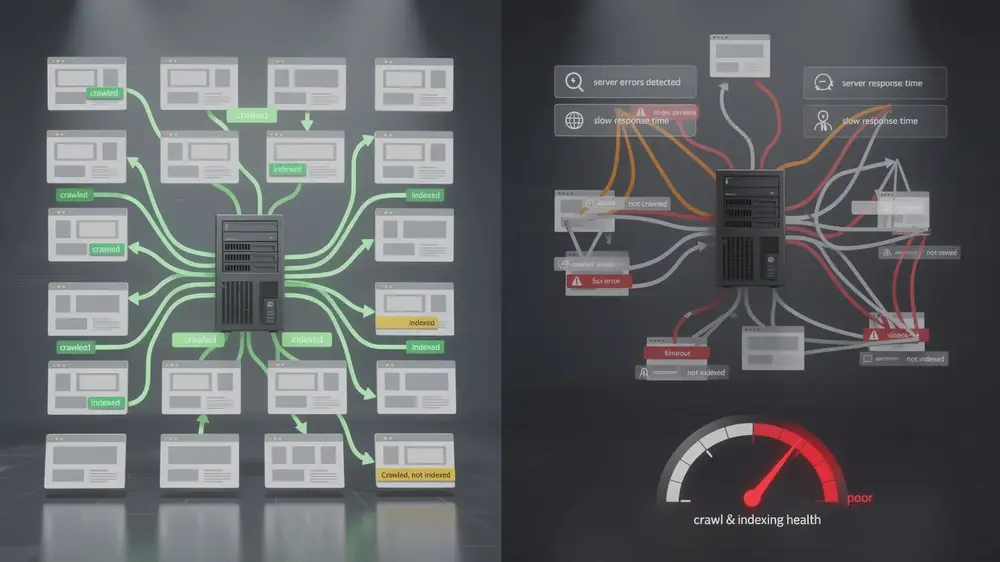
A high crawl volume does not automatically mean a site is performing well in SEO. Googlebot may be crawling frequently because the site has many useful pages, but it may also be spending time on duplicate URLs, outdated pages, soft 404s, redirect chains, or poorly managed robots.txt directives that affect crawl budget. Treating crawl volume as a standalone success metric can lead to misplaced confidence.
Short-term fluctuations are also easy to misread. A two-day spike or dip may not require action, especially if it aligns with a deployment, temporary server condition, or normal crawling variation. Stronger decisions usually come from patterns observed across several weeks, supported by evidence from other Search Console reports, analytics data, server logs, and recent site changes.
Another common mistake is assuming that crawled pages are indexed pages. They are not. Googlebot can crawl a URL, process it, and still decide not to index it. This can happen because of duplication, canonical signals, low-value content, noindex directives, quality concerns, or because another page is considered a better representative version. When visibility is the concern, Crawl Stats should be reviewed alongside the Page indexing report rather than in isolation.
The Cost of Ignoring Server Performance and Host Status Warnings
Host status warnings and server performance issues should not be treated as background noise. Slow response times, DNS problems, robots.txt fetch issues, and recurring 5xx errors can make a site less reliable for Googlebot. In practical terms, this can reduce the efficiency of crawling and delay the discovery or refresh of important pages.
The priority should be proportionate. A brief, resolved server issue may simply need monitoring. A repeated pattern, especially on a large site or during a major content launch, deserves immediate investigation. SEO teams should work with developers, hosting providers, and infrastructure teams to confirm whether the issue came from application performance, CDN rules, database load, deployment errors, or external platform instability.
Crawl data is most useful when treated as diagnostic evidence rather than a performance score. The value is not in one number, but in how crawl requests, status codes, server health, internal linking, indexability, and content priorities fit together.
Advanced Crawl Optimisation Strategies and Maintaining Long-Term Crawl Health
Establishing a Proactive Crawl Monitoring Routine
A practical crawl monitoring routine does not need to be complicated. For smaller websites, a monthly review may be enough. For larger sites, international properties, ecommerce platforms, or publishers with frequent releases, weekly checks are more realistic. The goal is to establish what normal crawl behaviour looks like, so unusual changes can be assessed calmly and quickly.
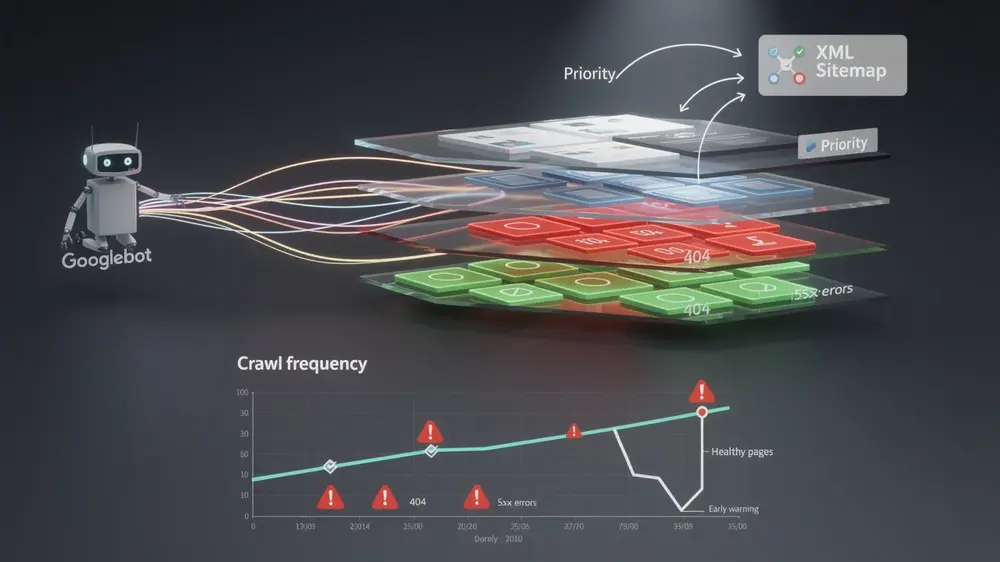
The most useful approach is to connect Crawl Stats with other evidence. Pair crawl activity with the Page indexing report to see whether Googlebot is spending time on URLs that are excluded, redirected, duplicated, or returning errors. Compare crawl patterns with XML sitemap submissions, canonical changes, internal linking updates, template releases, and content publishing calendars. This gives a more reliable picture than reading any one report alone.
When prioritising fixes, start with technical barriers that stop Googlebot from reaching or processing useful pages. Repeated 5xx errors, broken internal links, redirect chains, blocked resources, and incorrect noindex or canonical signals usually deserve attention before minor crawl fluctuations. Once access issues are stable, review whether internal links and sitemaps are guiding Googlebot towards the pages that support your commercial, editorial, or brand goals.
A clear XML sitemap strategy supports this process by helping search engines discover the URLs you consider important. If crawl stats show that important pages are being discovered slowly, it may also be useful to review how XML sitemaps and crawl discovery work alongside HTML sitemaps, internal links, canonical tags, and clean URL architecture.
Why Crawl Health Remains an Evergreen SEO Priority
Search systems change, content formats evolve, and user expectations differ across markets. A Korean search audience, a Japanese ecommerce audience, and a European B2B audience may all search differently and respond to different content structures. Yet one technical principle remains consistent: if search engines cannot access and process important pages efficiently, the rest of the SEO strategy becomes harder to execute.
Crawl health should therefore be treated as part of ongoing website governance. It supports content strategy, brand visibility, international expansion, technical stability, and user experience. It is not a one-time clean-up task after a migration or traffic drop. It is a regular operational discipline that helps teams keep useful content discoverable as the website grows.
For teams reviewing broader site health, a technical SEO audit checklist can help connect crawl data with other areas such as indexability, site architecture, Core Web Vitals, structured data, internal linking, and content quality.