Choosing between Yoast SEO and Rank Math is one of the most practical decisions a WordPress site owner makes, since neither the platform itself nor most themes provide built-in tools for managing meta tags, sitemaps, or structured data. Both plugins address that gap in meaningfully different ways, and understanding those differences helps avoid mismatched setups that create technical debt or unnecessary costs.
- Rank Math’s free version supports unlimited focus keywords and over 20 schema types, while Yoast’s free tier limits users to one focus keyword and basic schema.
- Rank Math adds roughly 0.01 seconds to page load time compared to approximately 0.18 seconds for Yoast, a difference that can affect Core Web Vitals scores on already resource-heavy sites.
- Rank Math includes native Google Search Console and Google Analytics integration, whereas Yoast requires third-party tools for equivalent rank tracking functionality.
- Plugin traffic light scores are internal optimization guides and do not reflect how Google evaluates E-E-A-T signals, which require manual review regardless of which plugin you use.
- Yoast’s structured editorial feedback and extensive documentation make it a practical fit for content teams, while Rank Math suits sites managing large content libraries or complex schema requirements.

What Are Yoast SEO and Rank Math and Why WordPress Sites Need SEO Plugins
WordPress powers roughly 43% of all websites, yet the platform has no built-in tools for managing meta tags, sitemaps, or structured data. Yoast SEO and Rank Math fill that gap by automating on-page SEO tasks that would otherwise require manual coding, making technical optimization accessible to site owners without a development background.
What Each Plugin Brings to the Table
Yoast SEO approaches optimization through a traffic light system that scores both SEO quality and readability in real time. From a single post editor, users can edit meta titles and descriptions, generate XML sitemaps, and apply basic schema markup to posts and pages. The visual feedback makes it straightforward for beginners to understand what needs fixing before publishing.
Rank Math takes a more feature-dense approach. Even in its free version, it supports unlimited focus keywords per post, more than 20 advanced schema markup types for structured data, built-in redirect management, 404 error monitoring, and direct analytics integration. For sites that need granular control without a premium subscription, that breadth is a genuine advantage.
Why These Plugins Matter for Everyday SEO
Manual SEO implementation on WordPress is error-prone, and small mistakes in structured data or sitemap configuration can quietly undermine crawlability and rankings. Both plugins reduce that risk by handling these technical signals automatically. Their free versions cover approximately 80% of typical user needs, making them practical choices for everything from personal blogs to complex eCommerce stores without requiring paid upgrades for core functionality.
How Plugin Choice Impacts Site Performance, Rankings, and Technical SEO Capabilities
The SEO plugin you install does more than manage meta tags. It directly shapes your site’s load speed, Core Web Vitals scores, and your ability to implement advanced optimization without layering on extra tools.
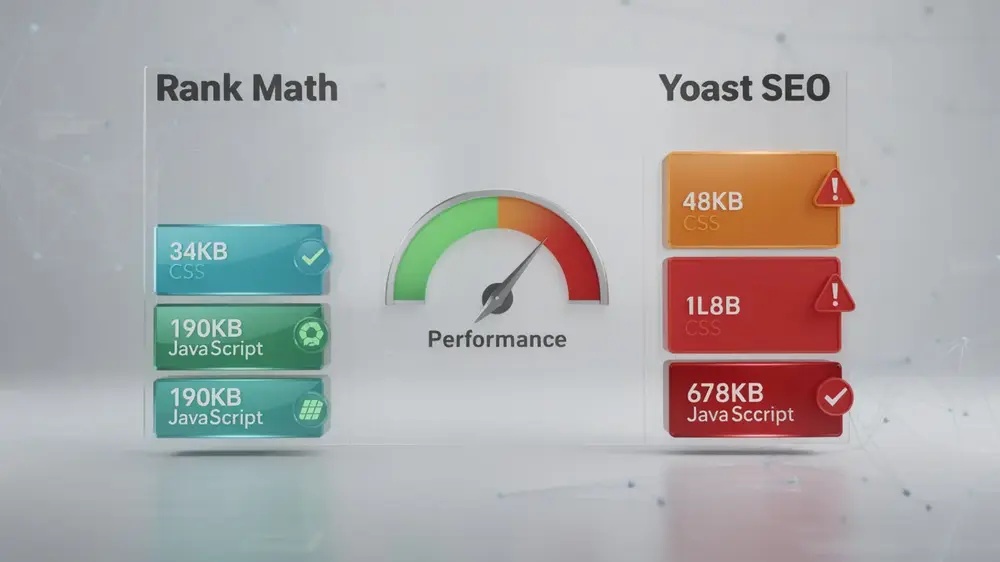
Performance data illustrates the gap clearly. Rank Math loads with 34KB of CSS and 190KB of JavaScript, adding roughly 0.01 seconds to page load time. Yoast SEO carries 48KB of CSS and 678KB of JavaScript, contributing approximately 0.18 seconds of additional load. That difference may sound small in isolation, but site speed is a confirmed Google ranking factor, and cumulative bloat from multiple heavy plugins can push Core Web Vitals scores into failing ranges, hurting both rankings and user experience.
Feature depth matters alongside weight. Rank Math’s free tier includes advanced schema markup for rich snippets, unlimited focus keywords for targeting long-tail queries, and built-in analytics integration. This consolidation reduces the need for separate redirect plugins or analytics connectors. Yoast’s free version restricts users to one focus keyword and basic schema, with premium access priced at $99 per year plus additional costs for extensions. Rank Math’s paid plan starts at $59 for the first year, covering comparable functionality.
Consolidating SEO functions into a single capable plugin also prevents technical debt. Sites that rely on multiple overlapping tools face plugin redundancy, slower admin environments, and eventual migration headaches as complexity grows. Handling tasks like XML sitemap creation and management within one plugin keeps your setup leaner and easier to maintain at scale.

Complete Setup and Optimization Workflow for Both Plugins
Getting either plugin running correctly involves more than a simple install. From initial configuration through to analytics integration, each step shapes how well your site performs in search. Both Rank Math and Yoast SEO install directly through the WordPress dashboard and offer guided setup experiences. Rank Math goes a step further by including a migration wizard that imports existing data and redirects from Yoast, which is useful if you are switching between the two.
Technical Configuration and Content Optimization
XML sitemap generation is handled automatically by both plugins. Sitemaps update as content changes, so manual submission to search engines is not required. For on-page SEO optimization, the workflow centers on focus keywords. Yoast analyzes one keyword in its free version and up to five in premium, alongside readability checks. Rank Math supports unlimited keywords with real-time scoring and AI suggestions built in.
Schema markup is another area where the two diverge noticeably. Rank Math provides over 20 schema types for free, covering article, product, recipe, and FAQ formats. Yoast offers basic schema at no cost, with advanced types locked behind its premium tier.
Analytics and Rank Tracking
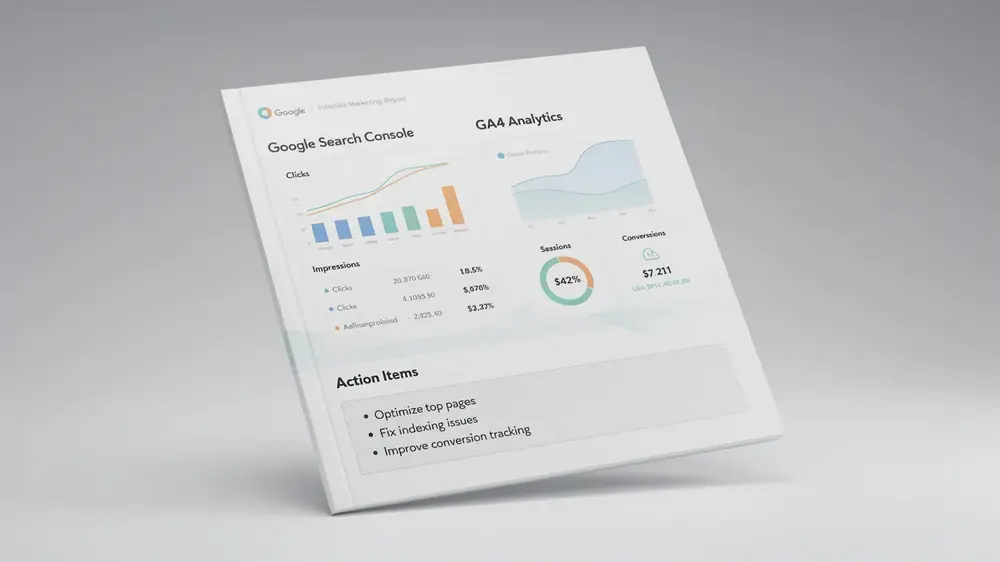
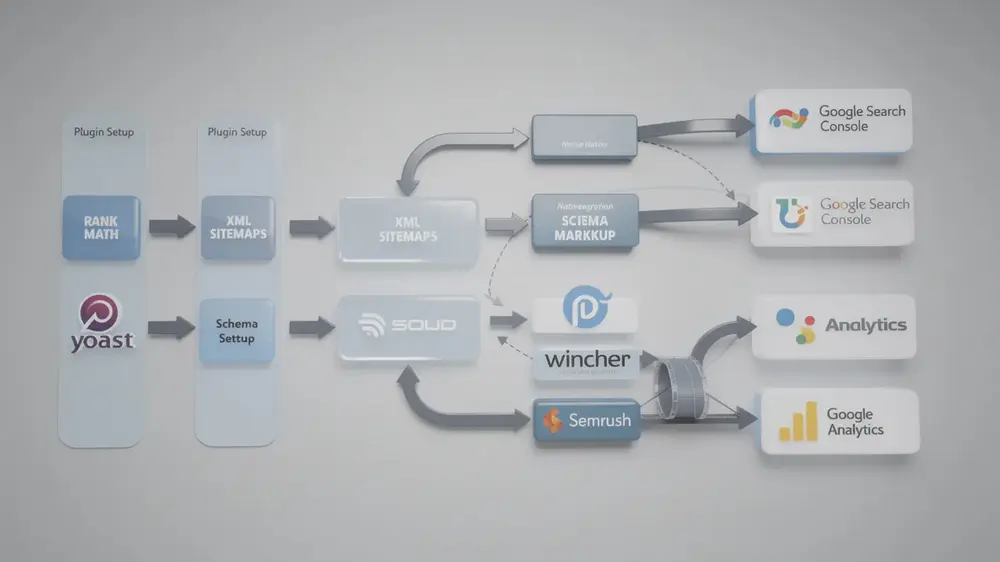
Connecting your site to Google Search Console and Google Analytics is straightforward with both plugins, though the approach differs. Rank Math includes native built-in integration for both platforms. Yoast relies on third-party tools such as Wincher or Semrush to add rank tracking functionality, which means an additional setup step for users who want that data.
Complete Setup and Optimization Workflow for Both Plugins
Getting either plugin running correctly involves more than a simple install. From initial configuration through to analytics integration, each step shapes how well your site performs in search. Both Rank Math and Yoast SEO install directly through the WordPress dashboard and offer guided setup experiences. Rank Math goes a step further by including a migration wizard that imports existing data and redirects from Yoast, which is useful if you are switching between the two.
Technical Configuration and Content Optimization
XML sitemap generation is handled automatically by both plugins. Sitemaps update as content changes, so manual submission to search engines is not required. For on-page SEO optimization, the workflow centers on focus keywords. Yoast analyzes one keyword in its free version and up to five in premium, alongside readability checks. Rank Math supports unlimited keywords with real-time scoring and AI suggestions built in.
Schema markup is another area where the two diverge noticeably. Rank Math provides over 20 schema types for free, covering article, product, recipe, and FAQ formats. Yoast offers basic schema at no cost, with advanced types locked behind its premium tier.
Analytics and Rank Tracking
Connecting your site to Google Search Console and Google Analytics is straightforward with both plugins, though the approach differs. Rank Math includes native built-in integration for both platforms. Yoast relies on third-party tools such as Wincher or Semrush to add rank tracking functionality, which means an additional setup step for users who want that data.

Critical Mistakes to Avoid When Using WordPress SEO Plugins
One of the most common errors is treating traffic light scores from Yoast SEO or Rank Math as a direct measure of ranking potential. These scores are internal optimization guides, not reflections of how Google actually evaluates content. A green light does not account for E-E-A-T signals (experience, expertise, authoritativeness, and trustworthiness), which require manual review and cannot be automated by any plugin.
Feature bloat is another practical concern. Rank Math’s free tier is genuinely comprehensive, but that breadth can tempt users into activating modules they do not need. Unused features add overhead, and in some cases slow down page load times, which works against the very rankings you are trying to improve.
Free versus premium confusion also leads to unnecessary spending. Yoast’s free version restricts optimization to one focus keyword per post, while Rank Math allows unlimited keywords at no cost. Many users upgrade Yoast without first checking whether Rank Math’s free tier already covers their needs. Before purchasing any premium plan, it is worth comparing what each SEO tool actually offers at the free level.
Support expectations deserve attention too. Rank Math’s support infrastructure is generally considered less extensive than Yoast’s established ecosystem of documentation and community resources, so users relying heavily on guided help may find that gap significant.
Finally, no on-page plugin controls external ranking factors. Quality backlinks, domain authority, and content depth remain decisive, and plugin suggestions cannot substitute for those fundamentals.
A plugin score of green is a useful starting point, not a ranking guarantee. E-E-A-T, backlink quality, and content depth sit entirely outside what any automation tool can assess, and conflating plugin feedback with actual search performance is one of the more costly misunderstandings in everyday SEO practice. From an editorial perspective, treating these scores as one signal among many, rather than a final verdict, keeps expectations grounded.
Advanced Optimization Strategies and Making the Right Long-Term Choice
Choosing between Yoast SEO and Rank Math is not simply a matter of preference. The decision should reflect your site’s specific content goals, technical requirements, and how each plugin fits into your broader technical SEO foundation. Getting that alignment right from the start reduces the need for disruptive changes later.
Matching Features to Real Workflow Needs
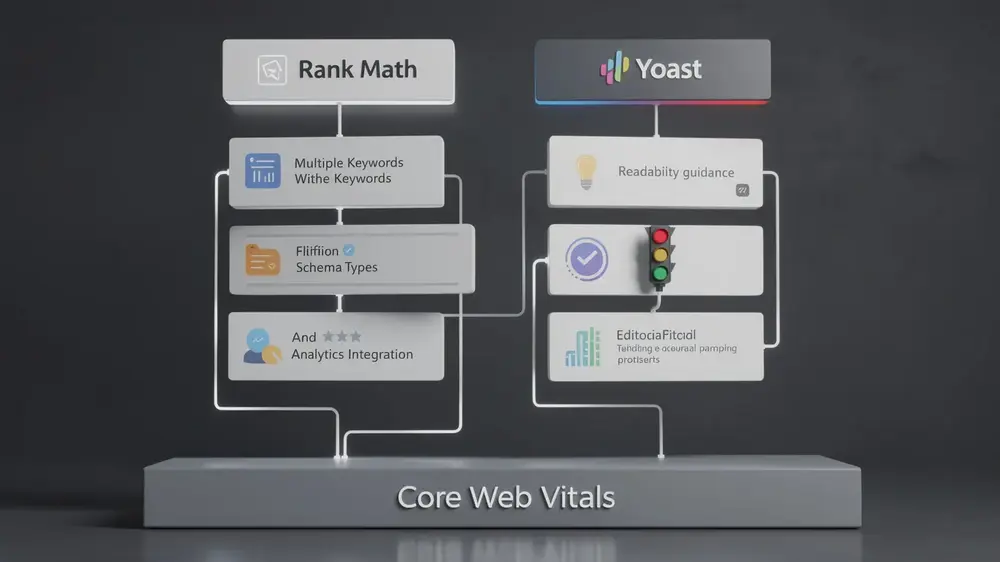
Rank Math stands out for teams managing large content libraries or targeting long-tail queries at scale. Its support for multiple focus keywords per post and access to over 20 schema types makes it practical for earning rich snippets across diverse content categories. The built-in analytics integration also reduces dependency on separate tracking plugins, which keeps your total plugin count lower and minimizes conflict risks.
Yoast remains a strong choice for writers and editors who benefit from structured guidance. The traffic light system, Flesch readability scores, and internal linking prompts during editing give content teams clear, actionable feedback without requiring technical knowledge. Its extensive documentation also makes onboarding straightforward for new contributors.
Performance and Consolidation Considerations
Site speed continues to influence rankings, so plugin weight matters. Rank Math generally runs with a lighter footprint, while Yoast installations benefit from periodic audits to remove unused modules. Both plugins include migration wizards that allow teams to consolidate redirect management and 404 monitoring into a single tool, replacing standalone plugins that would otherwise add overhead.
- Rank Math suits sites needing advanced schema, multi-keyword targeting, and analytics integration without premium costs.
- Yoast SEO suits teams prioritizing readability guidance, editorial simplicity, and access to well-established learning resources.
Sustainable SEO performance depends on consistent implementation rather than plugin choice alone. Whichever tool you select, applying its features methodically across your content and monitoring Core Web Vitals regularly will produce more reliable results than switching tools frequently.